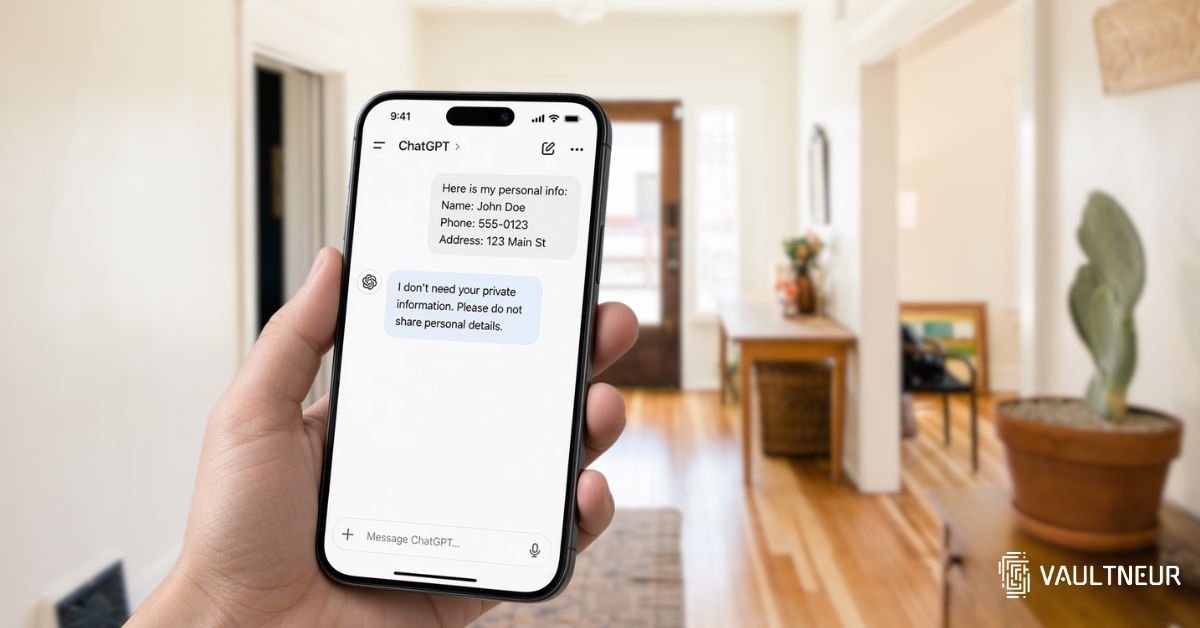
You’ve got a document you don’t fully understand. Perhaps it’s an insurance letter or paperwork you’re gathering after a death in the family. Asking ChatGPT to explain it feels like a sensible place to start.
Before you upload the whole document, pause. How much of it does the tool actually need?
ChatGPT conversations aren’t public by default, but that doesn’t make them a confidential vault. OpenAI’s Privacy Policy describes how it collects and processes the content you provide. Whether that content may be used for training depends on the service and your settings.
You don’t have to avoid AI to protect your privacy. You do need to separate getting help with a question from handing over the private records behind it.
Everything below reflects OpenAI’s published policies as at September 2026, checked against its own documentation. Settings and retention rules change often, so confirm the current pages before relying on any specific detail.
What happens to the information you share?
OpenAI processes the messages and files you submit to provide its services. Its Privacy Policy also describes other purposes, including maintaining security, improving services and meeting legal obligations.
That means “my chat isn’t visible to other users” and “nobody at the provider can access my chat” are different claims.
According to OpenAI’s Data Usage for Consumer Services FAQ, a limited number of authorised personnel and trusted service providers may access content when needed for specified purposes. These include investigating abuse, providing support, handling legal matters and improving model performance, unless you’ve opted out of that last use.
This doesn’t mean someone is routinely reading every conversation. It does mean you shouldn’t assume only you can access what you submit.
It’s worth being clear about how long chats stick around, because people often assume they expire on their own. They don’t. OpenAI’s chat retention guidance says chats you keep, whether they sit in your history or you archive them, are saved in your account until you delete them. Archiving hides a conversation from view; it doesn’t remove it.
The distinction matters when you’re working through private family or business paperwork. A service can be useful and have privacy controls while still processing and retaining information you would rather keep to yourself.
Free and paid accounts: what the settings actually change
You don’t need a paid subscription to opt out of model training.
OpenAI’s Data Controls FAQ explains that you can turn off “Improve the model for everyone” in ChatGPT’s settings. With that setting off, new conversations won’t be used to train ChatGPT, although they can still appear in your chat history.
A personal Plus subscription doesn’t automatically mean your conversations are excluded from training. Business products and the API have different defaults: OpenAI says it doesn’t train on inputs and outputs from those services by default. See its explanation of how data is used to improve models.
There’s a detail worth knowing about feedback, too. That guidance says that if you submit feedback, such as a thumbs-up or thumbs-down, the entire conversation attached to that feedback may be used for training even if you’ve opted out.
Training controls answer one privacy question. They don’t answer every privacy question. Turning training off doesn’t mean your content is never stored, processed or accessible under the circumstances described in OpenAI’s policies.
If you use an AI assistant inside another app, check that app’s privacy policy as well. OpenAI’s API defaults alone don’t tell you what the app operator stores or does with your messages.
Temporary Chat and deletion have limits
OpenAI’s Temporary Chat FAQ says a temporary conversation won’t appear in your history or create new memories, and won’t be used to train its models while it stays temporary. A copy may still be kept for up to 30 days for safety purposes.
Two caveats come attached to that. You can choose to save a temporary chat, which turns it into an ordinary one that follows your normal account settings from that point on. And a personalised temporary chat can still draw on memories and custom instructions you’ve already stored, even though it won’t add new ones.
Temporary Chat therefore offers useful controls, but you shouldn’t treat it as a guarantee that nothing is retained.
Deleting an ordinary chat is another separate action. OpenAI’s retention guidance says deletion removes it from your account immediately and schedules permanent deletion from its systems within 30 days. Exceptions include content already de-identified and disassociated from your account, or information that must be retained for security or legal obligations.
Legal process can also override a deletion policy. In the New York Times’ copyright case against OpenAI, a US court ordered it to preserve output log data that would otherwise have been deleted. That order was later narrowed and no longer applies to new conversations going forward, but it makes the underlying point well: a retention policy describes what a company does by default, not the limit of what a court can require of it.
For everyday use, a safer habit is to reduce what you share before relying on deletion afterwards:
- Ask the general question first. “What does an insurance excess mean?” doesn’t require your policy document.
- Use placeholders. Replace names and account references with labels such as “Person A” or “[policy number]”.
- Share only the relevant passage. Leave unrelated pages out.
- Check the remaining context. Removing a name may still leave an address, signature or unusual detail that identifies someone.
Never paste passwords, recovery codes or crypto seed phrases into a chat.
Keep the question separate from the private record
A useful role for ChatGPT is helping you prepare a checklist or understand unfamiliar wording. For example, you could ask what categories to consider in a Digital Legacy Binder without uploading your family’s actual records.
For digital estate planning, use those answers to prepare questions for a qualified estate-planning professional. A generated explanation shouldn’t determine whether a will or inheritance arrangement is legally valid.
Keep the underlying documents somewhere designed for their sensitivity. A Legacy Binder brings important information together, but its privacy depends on how the storage service works.
Vaultneur is an encrypted digital vault that encrypts documents and records on your device before upload. Its zero-knowledge encryption means Vaultneur doesn’t hold a key that can decrypt your vault. That’s a different access model from a service that processes the content you send it to generate a reply.
There’s a responsibility attached: Vaultneur has no password reset. If you forget your passphrase, nobody, including Vaultneur, can recover the vault.
Also, protection doesn’t follow a document into every tool. If you copy text from an encrypted vault into an AI chat, that copy is handled under the AI service’s policies.
Before your next upload, ask yourself: Could I get a useful answer with a general question or a short, redacted excerpt? Start there. You can often get the help you need without sharing the private record itself.